You an view your certificate in 3 Different Ways
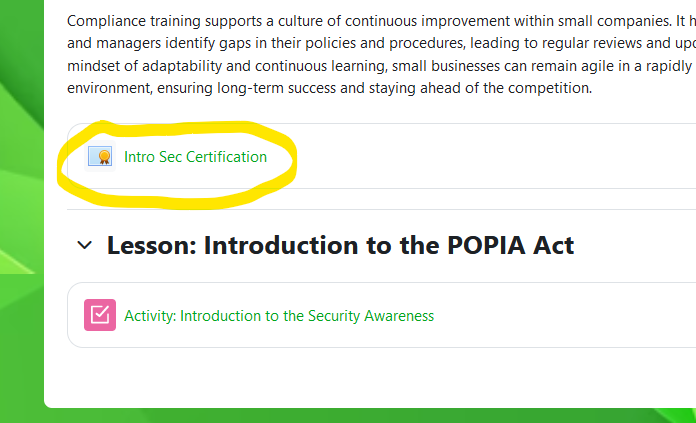
- Once you have completed your course, Navigate to the first page of the course
- Click on the Certificate link as circled below
PDF Download
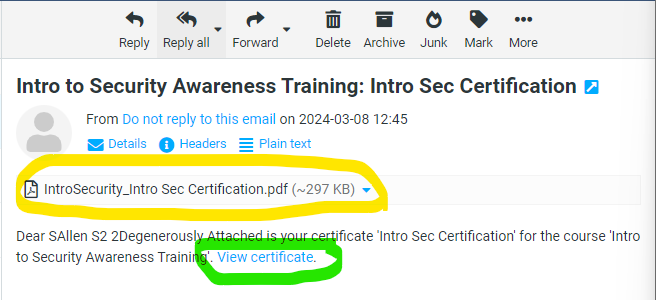
- Once you have completed the course, you will receive an email with an attachment
- Look for the Attachment on the email, and download or open the attachment
Open Link
- Once you have completed the course, Open your email and lock for the email below
- Click on the link “View Certificate“
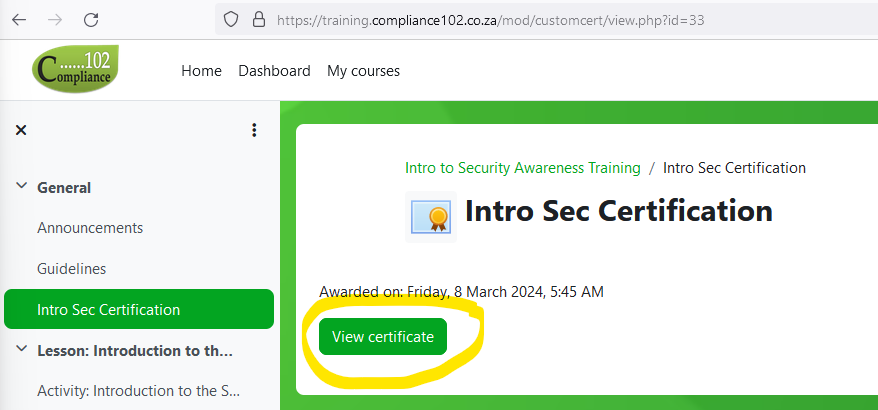
- You will be redirected back to the Training Portal
Once you have been redirected to the training Portal, click the “View Certificate” Button
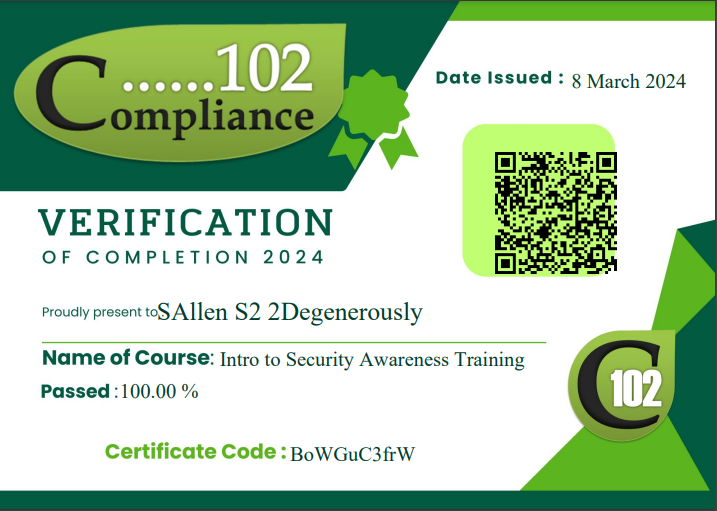
Please see a sample of the certificate below